
Highlighted: New Management
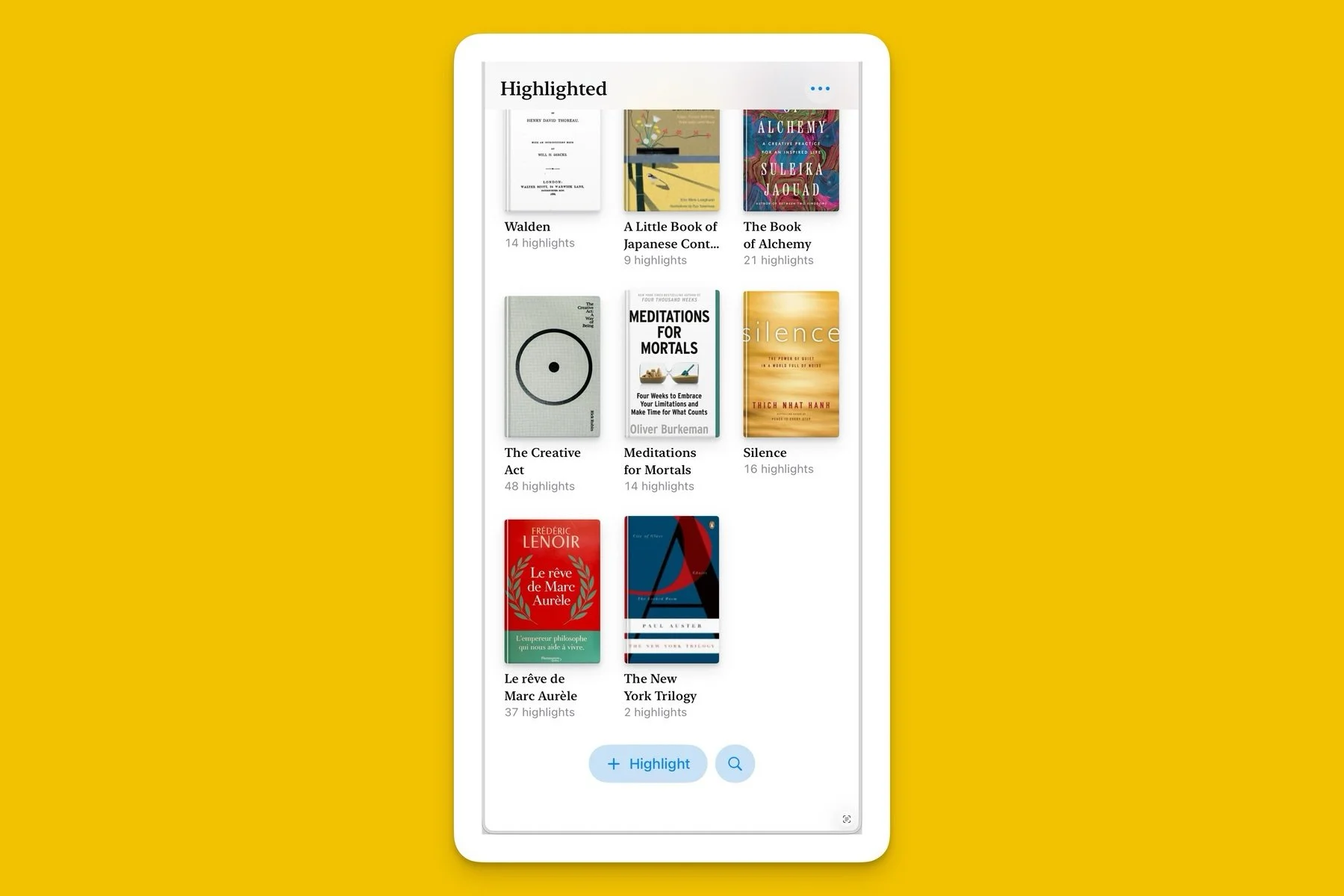
In a recent post I mentioned the cancellation of my Readwise subscription (again), and briefly described a new workflow based on an app called Highlighted:
“To replace Readwise, I’m using Highlighted, by Damir Štuhec. It’s a simple, beautifully designed app that’s actually meant to scan and organize physical book passages, but works just as well on e-ink content. Text recognition is perfect, and the app features tons of small, and smart, QOL details. You can tag, add notes, create custom or automatic page numbers, and export all of it in a variety of formats, including Markdown (which is what I use for Bear). ”
This is a more detailed follow-up of the entire process.
Into Highlighted
As mentioned, I scan Kobo passages the way I'd scan them in a physical book. The first step is to add the new book to Highlighted. You can enter the information manually, or type in the title and let the app search through an existing database:

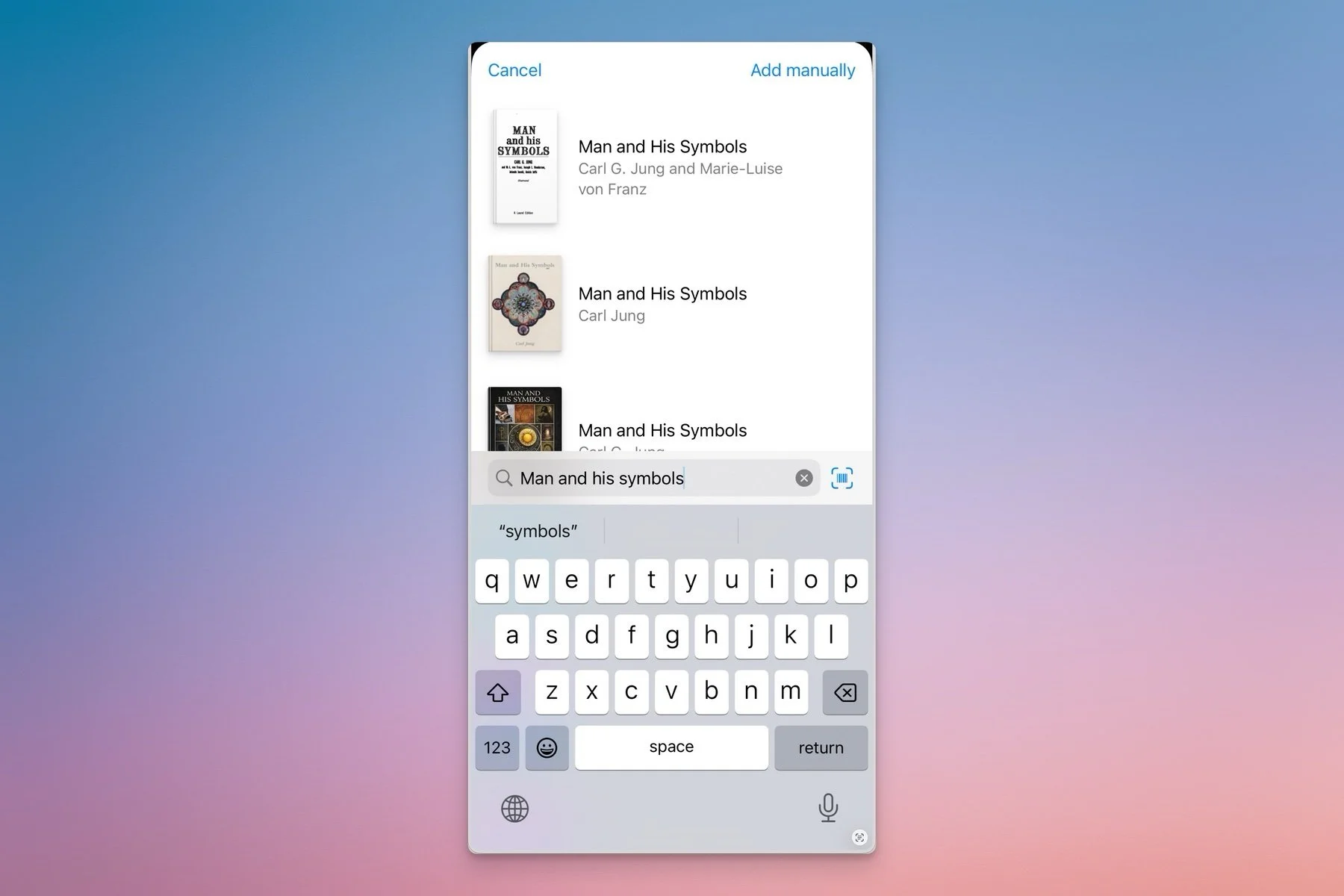
In both cases you get the choice of using the existing cover, a generated graphic, or uploading your own. You then add highlights using one of three methods:
Scanning a page with the built-in camera.
Uploading an existing screenshot/photo.
Manually typing or pasting text.

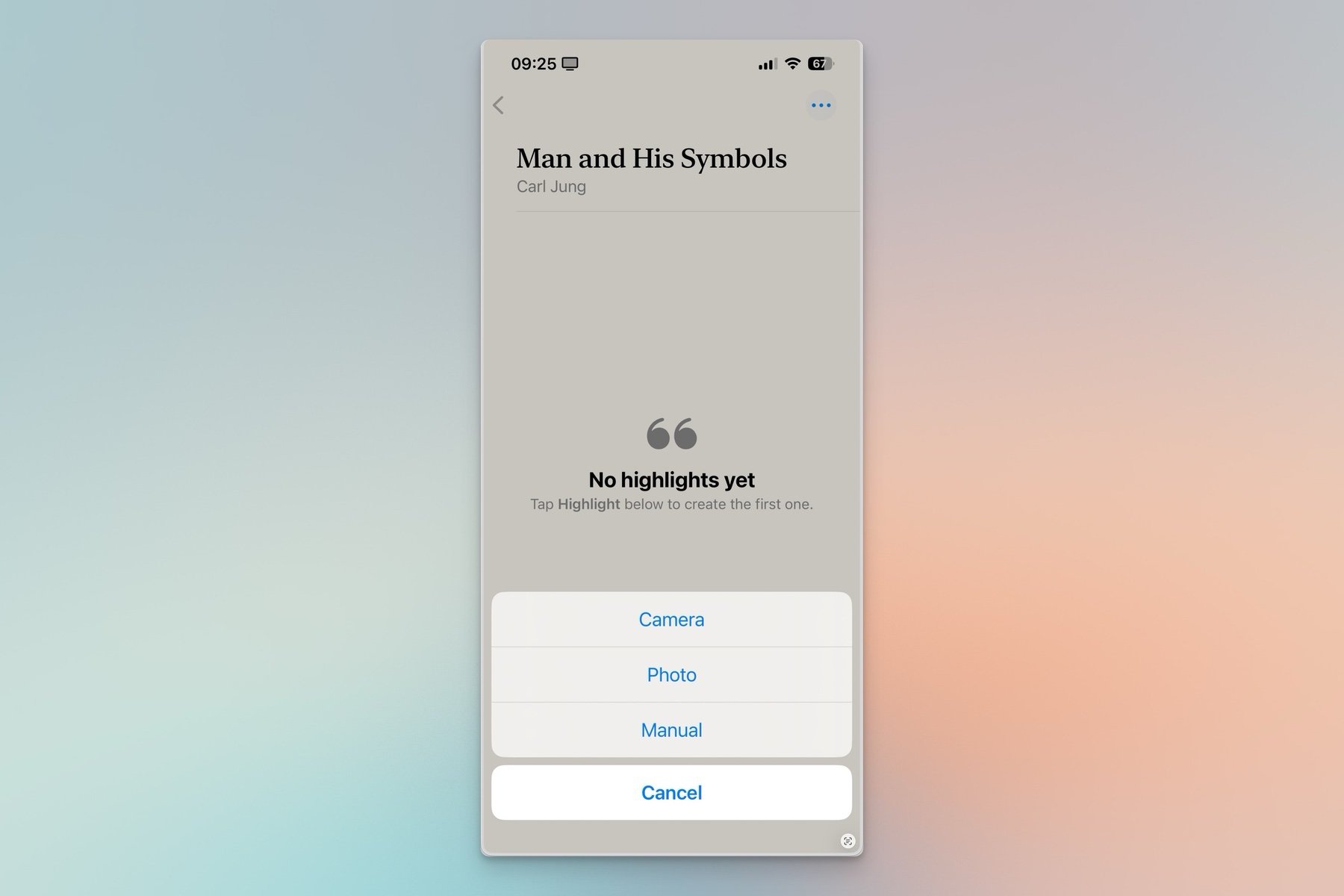
I prefer the camera method. Using OCR (I'm guessing Apple's built-in text recognition APIs) all text becomes immediately selectable. But the app doesn't restrict you to a single quote per scan: when selecting a passage, Highlighted assigns a number (1); tapping another paragraph creates another selection with a new number (2), and so on. This is just for clarity's sake: numbers don't show up after import. And it’s surprisingly useful: when possible I scan highlights from the Kobo's Annotations page instead of navigating to each passage in the book.
Screenshot from the App Store story linked in the intro (showing multiple highlights).
You're also not limited to importing a single page at a time: Highlighted allows multiple scans per session, which means you can scan the entirety of a book's notes and highlights in one go. At the end of the process the app provides the choice of importing individual highlights as either separated, or merged. Choosing separated adds a review process where text can be corrected, notes or tags added etc.
The app does have a tendency to interpret formatting breaks (where the text flows to the next line on the page due to font size) as returns. It's a bit annoying, but easily fixed during review (or with further editing if it was missed before importing). It's an issue I've seen elsewhere, however, so the ball might be in Apple's court.
Unlike Readwise, which invisibly syncs in the background, none of this is automated. So, unless I'm annotating like a madman, I generally wait until I've finished a book before scanning and importing.
Into Bear
The app's export options include all the usual suspects: PDF, TXT, Markdown, CSV, and RTF, along with several ordering, and display, options:
I personally use Markdown, and copy the results into a corresponding Bear note. This part could be much simpler, and more streamlined, if Highlighted offered custom export templates (like GoodLinks). But that's unfortunately not the case, so there's a bit of cleaning up involved. Custom formatting would make a great addition.
Atomic: Focus
The first time I decided to quit Readwise (pre-Kobo) I wrote a post entitled Bear Days: Atomic Highlights. There, I described the process of "atomizing" book highlights into individual notes that could then be reviewed using Bear's Random widget. I suggest reading that post if you're interested—it's a long piece, so I won't repeat it here.
But I've added a new twist to that workflow: the focus tag. New atomic notes get the tag #think/atomic/focus. With a Random widget specifically set to search this tag, I get to review recent books without them getting lost in the mix. At any time, I can remove the focus tag to send them back to the main rotation.
Rick Rubin’s The Creative Act—currently in #focus.
Friction
“Is Readwise more fluid? Yes it is. Does it offer extra features? It does. But if the goal is to slow down, and be more intentional, then these additional steps aren’t bad at all. The friction even forces me to process my notes more attentively in order to import them correctly, and that’s a plus, not a minus.”
I really mean that. One of my goals going forward is to step away, as much as possible, from speed and “efficiency”—especially with anything related to thought, art, culture, or reflection. I just don't believe impatience should be a virtue.
Time spent with notes isn't idleness—it can be the beginning of something new, but as yet unknown; or a very personal pursuit, with no quest beyond the confines of one’s mind.
Life isn't just about output.
