
Lightroom Q.O.L
I should've written this post earlier.
It's not so much that memory fails me: I just compartmentalize too easily. Any tool I no longer use gets virtually archived, removed from any active "mind-space". I then focus on the strengths of my current app (or camera), and readily dismiss any shortcomings. The upside is that I don't dwell. I don't second guess or spend any amount of energy on what ifs. But I also quickly forget any details related to my past experience.
This was all very obvious on my return to Lightroom: over the years I'd glossed over a great number of quality of life elements that weren't present in Capture One. Some I'd simply accepted, others I'd initially set aside, hoping to see them added to the app at some point. Eventually, I simply stopped thinking about them.
Capture One is now the app that's fading away, making it harder, with each passing day, to pinpoint what I prefer in Lightroom. So time is of the essence.
The one aspect of Lightroom that's abundantly clear to me is the difference in speed: lag is non-existent. It doesn't matter which slider I'm moving, or how many edits are present on an image, nothing jerks or stutters. On my best days in Capture One I'd accepted various levels of lag as the way things were—even on Apple Silicon. In the geometry panel I'd never even touch the sliders at all: I'd instead use the numerical values, via the keyboard. I do get the impression that Lightroom might be taking a bit longer to display images from a card on import, but I can live with this (it may depend on the cards too, I really haven't done much tests).
In general, the entire Lightroom experience feels both lighter and more natural. It's freeing, to be honest—especially after the issues I faced just before switching. But workflow is just as crucial as raw performance, so here's a rundown of those day to day, QOL features I've rediscovered in Lightroom.
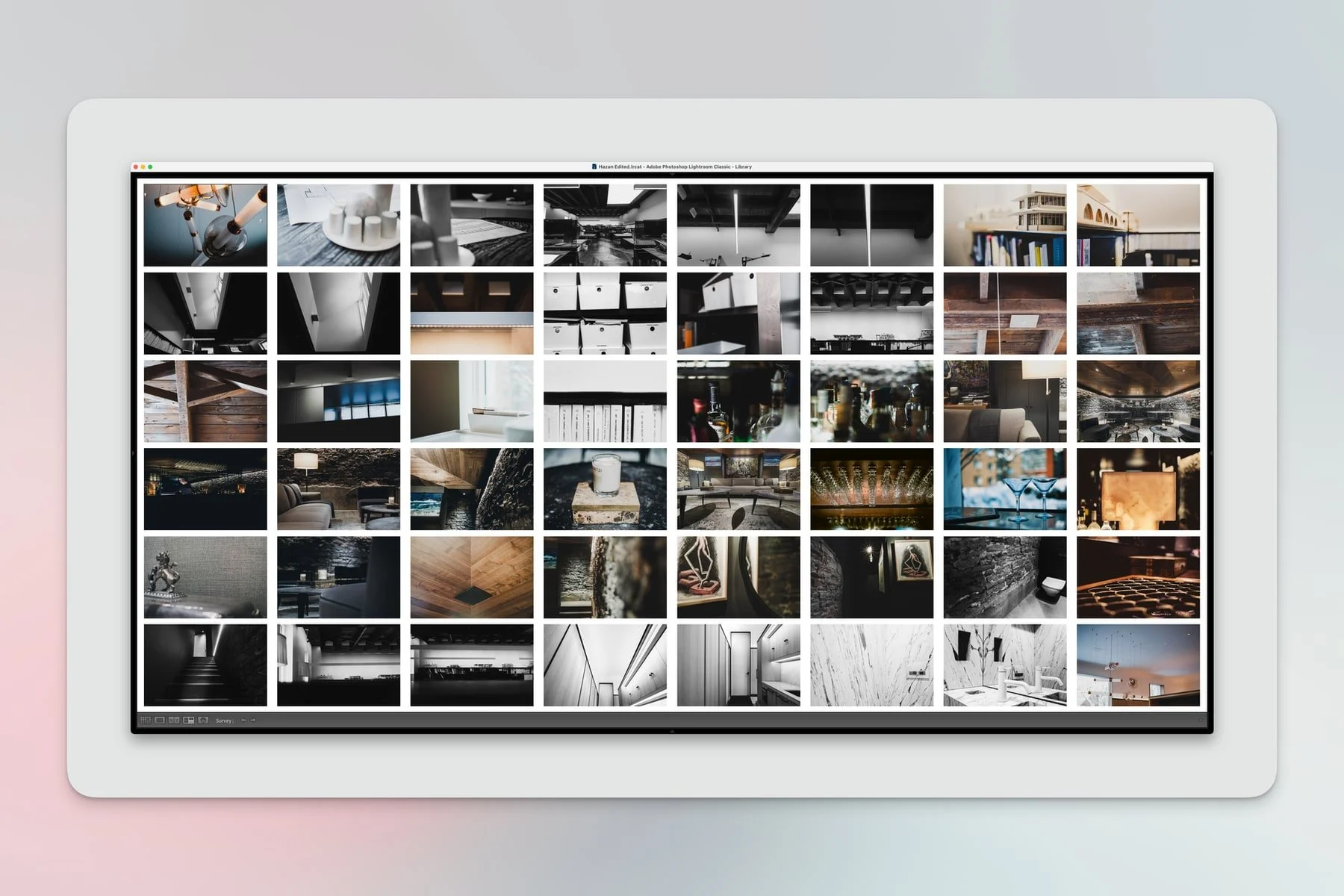
Survey mode: better than 11.
Survey Mode
This, I dearly missed: being able to display a large selection of images in a grid AND change their order. Capture One was always odd on this front: there's a maximum of 12 images, but if you select more than 12 it then drops to 11 (with an "and x number more..." label taking up the 12th spot in the bottom-right corner). No way to order images in this view either.
Toggle filters with Command-L
I never got used to relying on the mouse to toggle library filters on and off. One of those things I accepted but silently cursed every.single.time.
Sending to a collection retains any custom order
Here's the scenario from Capture One: I've imported images, and I'm editing them, processing, selecting, all from the folder in which they were imported. I then filter the picks, start sequencing, re-ordering, etc. until I'm ready to export. Oh! I'm still in the folder. Silly me. Let's send these picks to a collection (so I can export them with my custom preset that uses a collection_name token). There. Done.
And now I've lost the custom order.
This may sound innocuous, but it drove me bonkers. I'd have to go back to the folder, double-check, and re-create the order in the new collection. Could I have exported from the folder instead, using another preset? Sure. But I like to keep workflows steady. Now I can.
No persistent Output Counter
Lightroom is much more limited in terms of Export options (metadata tokens aren't as extensive for instance, which forces more user input). But I do not miss having to reset that dang output counter every time. I had a keyboard shortcut mapped out (which stopped working at some point), but I'd STILL forget to reset the counter several times a week.
An elastic library
By this I mean that I never lose my spot in Lightroom. With an image selected in a folder, or a collection, clicking back to All Photographs automatically keeps that selection active. I've always found this to be much faster than Capture One's right-click+Show in Library method, which only jumps to the enclosing folder. This can be a lot more useful in terms of visualizing context (i.e a shoot across several folders).
Import—in full screen
I prefer working in full screen mode when dealing with "big" apps (Logic, Obsidian, C1, Lightroom etc). But Capture One would exit full screen when importing images, breaking the flow and forcing an annoying in/out sequence. No such issue in Lightroom.
Create collection on import
In Capture One I'd often find myself wanting to import straight to a collection...that didn't yet exist. Sometimes I'd close the import window, create the collection and relaunch the import. But most times I'd just skip it, import the files, and do it afterwards. The ability to create a NEW collection on import avoids the extra step.
...
You'll notice that all of these points have two things in common: efficiency and regularity. None of them are dealbreakers. But I use fewer steps, all day, every day. So when I talk about speed, it's not just about moving sliders: all those small interactions, the stuff I do constantly, is now quicker and less intrusive. These improvements don't show up on GPU tests and charts, but they do add up, and they end up defining much of the experience.
We can always get a faster computer, but we can't alter an app's design.
P.S Honourable mention: printing. It's not a feature I use as often as anything listed above, but I can't stress just how much better this is in Lightroom. Again: it simply...prints. There's no need to open Page Setup, the margins appear on paper as they do on-screen, no surprises. I just pick a template and out comes a picture. Crazy stuff.
