
Everything old is new again: after a two year hiatus, I'm back in Things 3.
I guess it's a fairly good indicator of where task managers now fit in my workflow: I could use a piece of paper if push came to shove. After all, apart from recurring tasks, this is always temporary content that doesn't need to persist beyond completion. If I switch apps in the middle of a project, transferring current todos is never that big a deal (I'm usually up and running within 30-60 minutes, and that's for a full "relocation").
But why Things?
In Obsidian, the kitchen sink, and focus , I wrote about returning to TickTick after attempting to wrestle Obsidian into becoming a task manager (on top of everything else I use it for):
So I've gone back to TickTick, which never stops evolving and keeps adding useful features (i.e the fairly recent addition of the timeline view). It syncs to my calendar, does Kanban, includes iOS widgets, timers...it's much better at the job than cobbling together a homemade solution from bits and parts.
It is. It also offers a lot of features, all vying for attention. Ironically, soon after publishing that post I launched Things, out of curiosity (I think I saw a video or read something), and was struck by its absence of complexity. I've since fallen in love all over again.
I think the main reason for this (apart from the UI) is that I'm using it the way developers intended:
I live in the Today view, as opposed to a multitude of individual projects and lists.
I don't allow tasks to carry over: they get completed, or manually rescheduled (which forces a re-evaluation of their urgency).
Projects are temporary—if it doesn't end, it can't be a project.
I use Anytime or Someday very deliberately, to avoid clutter.
I refer to the Logbook to keep track of progress. I also use this to copy the day's completed tasks to my daily note in Obsidian (I've added a Things section at the bottom).
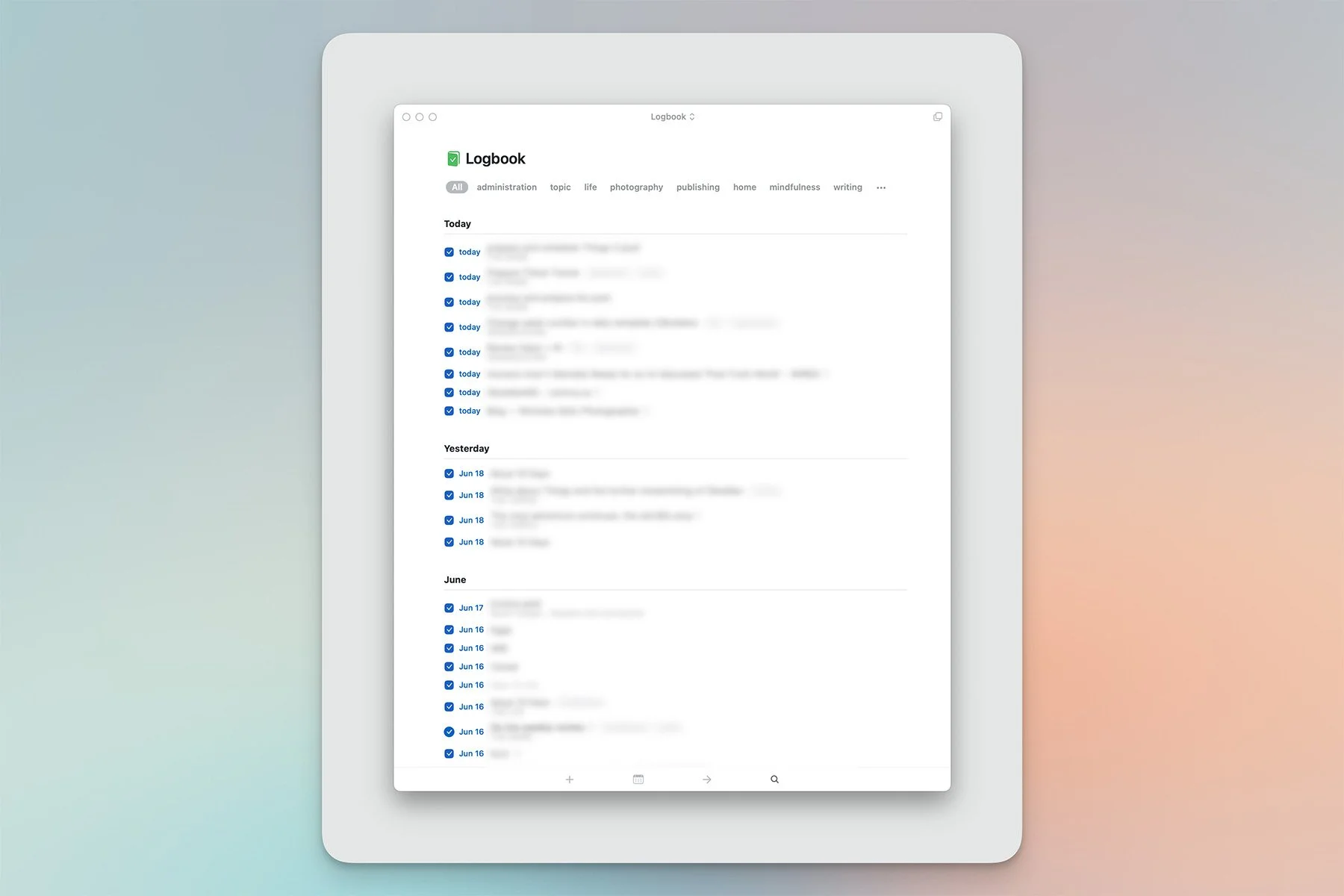
Logbook - clean and clear.
This time around I've embraced the app's "physical" workflow as well: its extensive array of keyboard shortcuts, but also the fantastic Type Travel feature that makes it possible to navigate by typing the name of anything, anywhere in the app—a task, a tag, a project, even special categories like "repeating", or "deadlines". The results are lightning fast.[1]

Type Travel in action (Quick Search)
Ditto with drag and drop: any item can be rescheduled, or moved, by simply dragging it around, which becomes even more powerful with two windows side by side (on Mac or iPad).
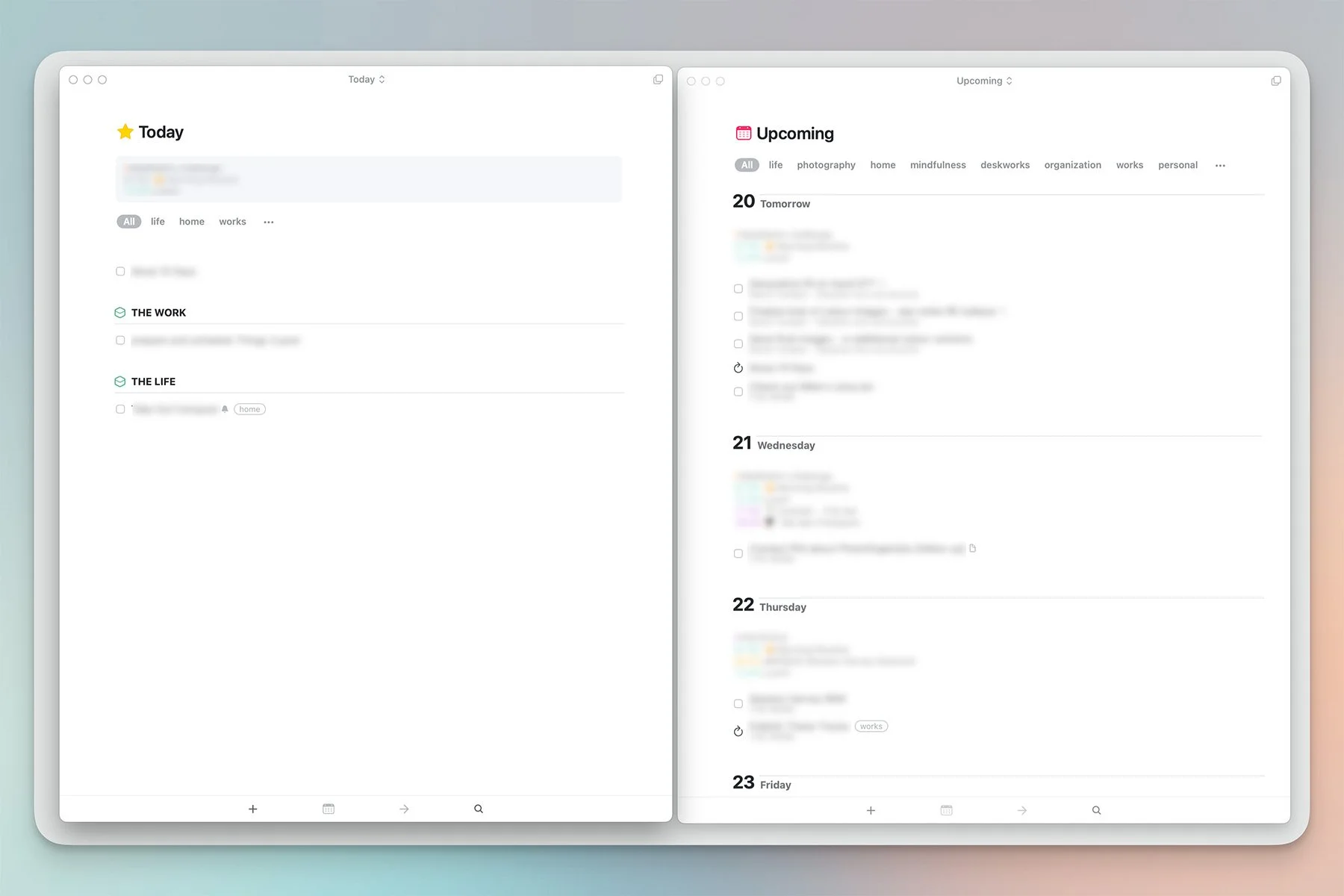
Anything can be moved between windows, areas and dates.
I'd left Things for two reasons:
The app was too siloed for my taste, with minimal Shortcuts and calendar integration.
It had become overwhelming.
Number two was entirely my fault: mostly a lack of discipline, combined to stubbornly wanting to fit a lot of round pegs into square holes. I'd also made a big mistake with projects by using them as makeshift folders, making them persistent instead of temporary. Projects in Things display a completion circle that fills up as tasks get completed. But this is meant to be checked once the entire project is done, and I think there's a psychological impact to keeping tons of never to be completed pseudo-projects around. That visual cue, however innocuous, leads to a permanent state of urgency. It's unconsciously noisy (see the Zeigarnik effect).
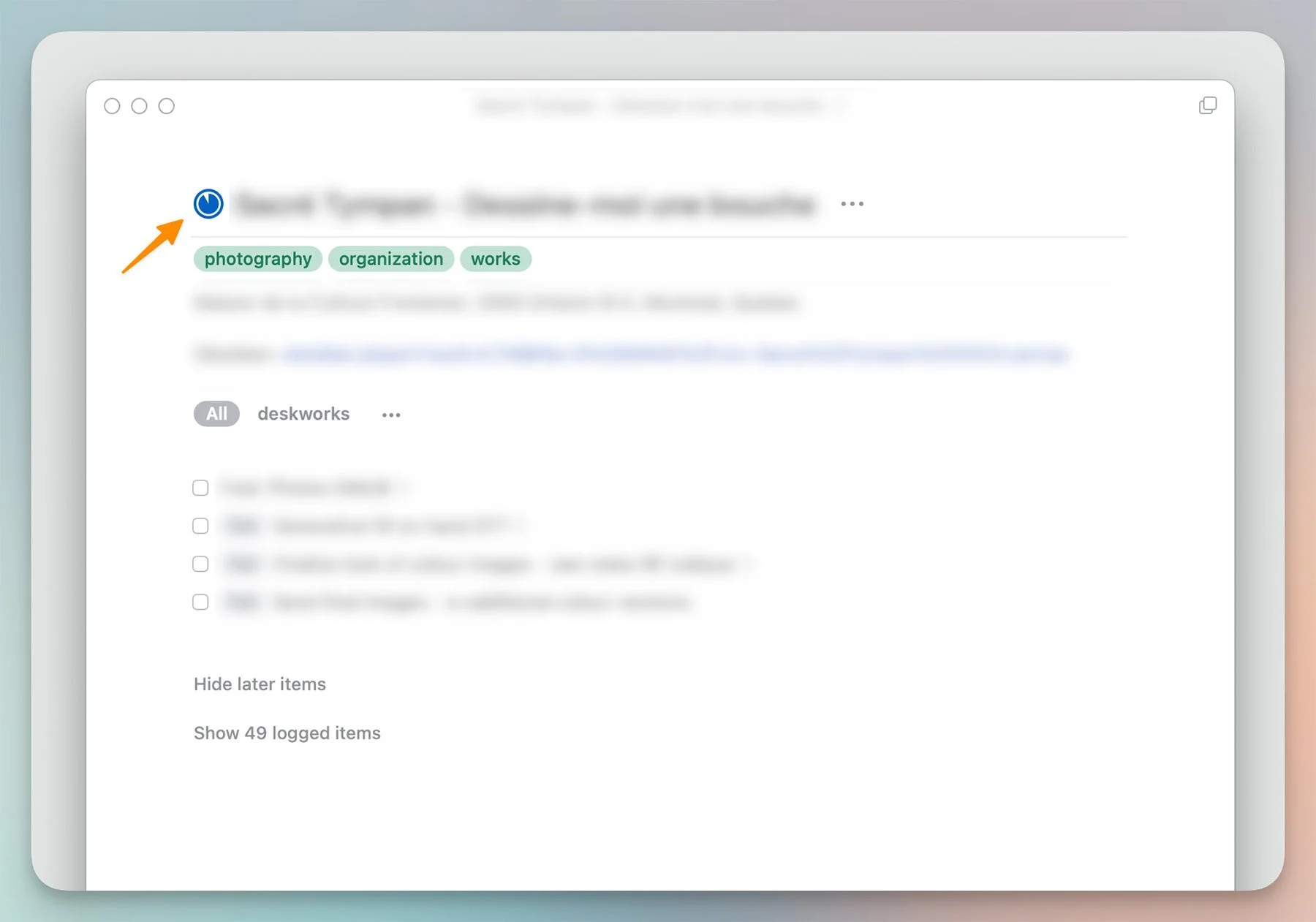
The project completion circle…
As for Things' siloed nature: I've come to accept tasks not appearing on my calendar. It removes the need to manage timeframes, and it ties into a calmer, simpler view of management. Shortcut support was the focus of an extensive update this year, so that's no longer an issue (it's quite powerful in fact).
Bu what about this little tidbit, from my summer fling with Notion a year ago?
I like words. I like typography. But my brain blurs out lists, eventually. And the longer they are, the worse it becomes.
Still true. But the problem isn't with lists at all—it really does lie with the amount of items they contain. That's why the Today view is essential, why you need to be realistic about how much work can actually get done on any given day, and why you never, ever, allow tasks to carry over because that's the surest way to lose control. It leads to feelings of guilt and failure. Over time, powerlessness.
Is there a Things 4 on the horizon? There must be. But for now, this 2017 app is all I need.
……………….
I believe it was initially a Mac-only feature, so it wasn't available on iPad and I missed it when it was added.
