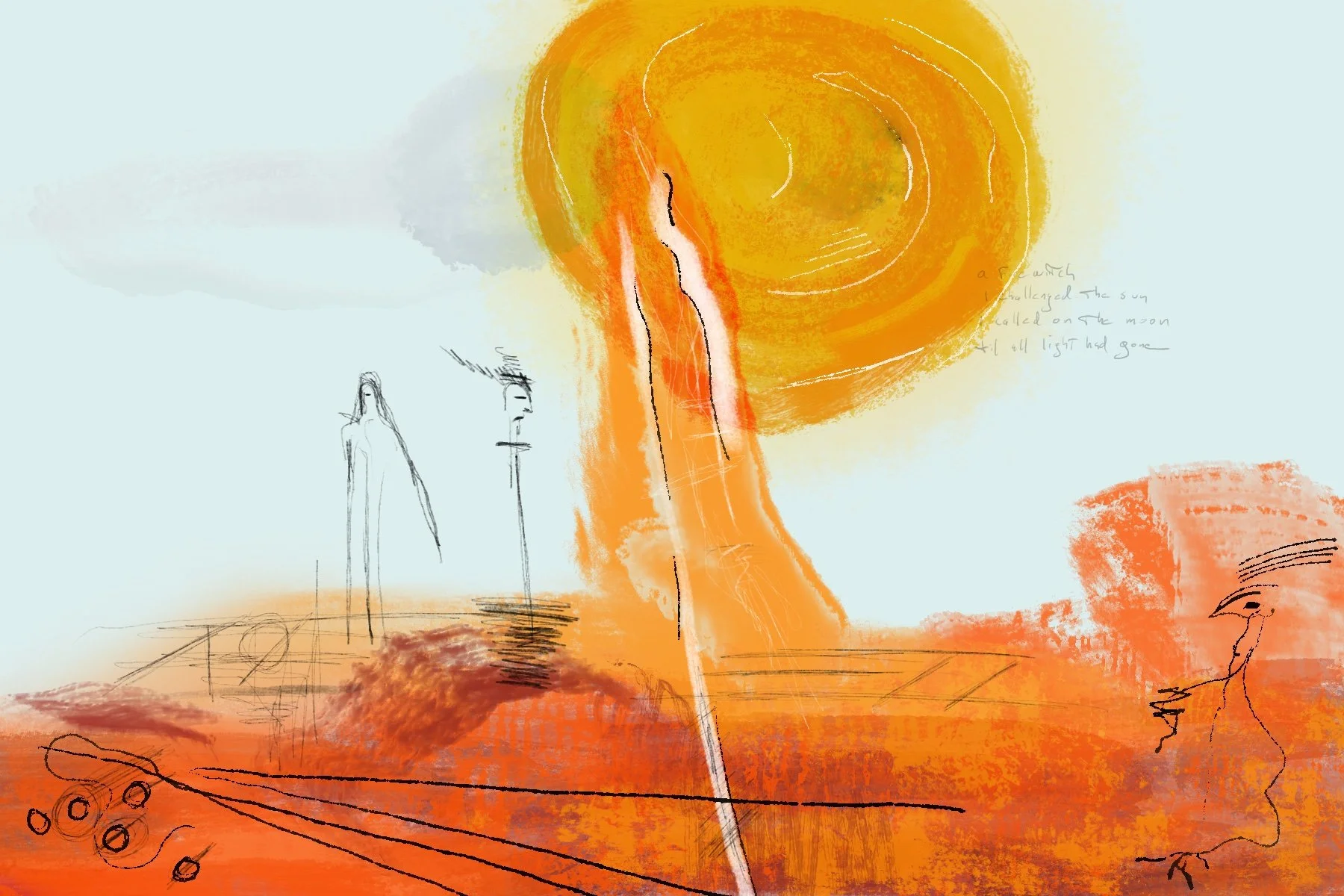
Mattress, 2025.
When Apple Intelligence became available I immediately enabled it on my Mac, the only compatible device I currently own. If you follow this blog you know my feelings about AI, but I'm not a luddite—I still wanted to explore the available features. And boy did they disappoint. I turned it off within a few days.
Fast-forward to this week's updates enabling Apple Intelligence by default. Unlike previous versions it no longer requires English (United States), as long as both keyboard and language settings are set to the same input source—English (Canada) in my case.

Image Playground and The World’s Biggest Turntable™ (which, to be clear, wasn’t the prompt).
But I'm still profoundly underwhelmed. I was curious about Genmoji, thinking I could pepper these as list icons in various apps: nope. Their use is extremely limited. If you text a lot though, have a ball. I find Image Playground equally disappointing: it's like crippled, kid's clip-art software.
My only real interest was for Writing Tools—Proofreading, specifically. When I first tried that feature a couple of months ago I immediately wanted to call it out in a post. I couldn't believe Apple would release something this half-baked and ultimately useless. But I held off, hoping we'd eventually see improvements. Nope, again.
In a post entitled On the Undesign of Apple Intelligence Features, Nick Heer does a brilliant job of summing up the various issues plaguing Apple Intelligence as a whole. But his take on Writing Tools is just spot on (emphasis mine):
Two of the features I assumed I would find useful — as I am one person shy of an editor — are “Proofread” and “Rewrite”. But they both have a critical flaw: neither shows the differences between the original text and the changed version. For very short passages, this is not much of a problem, but a tool like “Proofread” implies use on more substantial chunks, or even a whole document. A user must carefully review the rewritten text to discover what changes were made, or place their faith in Apple and click the “Replace” button hoping all is well.
Yes. A thousand times. I just cannot comprehend how Apple could ship a proofreading system that doesn't highlight proposed changes. In what world is this useful? Simply assuming you'd replace the original text shows a pretty serious disregard for any writer's work. And forcing a tedious visual comparison is… well, please.
Heer also examines the popover UI, another puzzling choice. This is what Proofreading (on a previous draft of this post) looks like on my Mac's 27 inch screen:

Cramped text in a tiny box that requires scrolling? Check. No highlighting of changes? Check. I'm reminded of the days when I'd spend hours editing an entire MIDI song inside the small window of a Roland MC-300, one event at a time. Sadly, I don't have that kind of patience anymore.
But did you notice this interesting detail?:

Cool. I apparently don't know the proper spelling for "intelligence". Good catch.
Apple's choices belie a philosophy that I find increasingly concerning: these aren't really tools at all, the way a good camera, or a fine set of pencils, are tools. They don't help, or enable. They replace. It's an approach that assumes the worst in people: incompetence, at best, or—if that "humorous" ad is any clue—laziness. And they're not even good at it.
That bicycle for the mind sure looks dusty.
On to the links... man, it's been awhile :)
LINKS
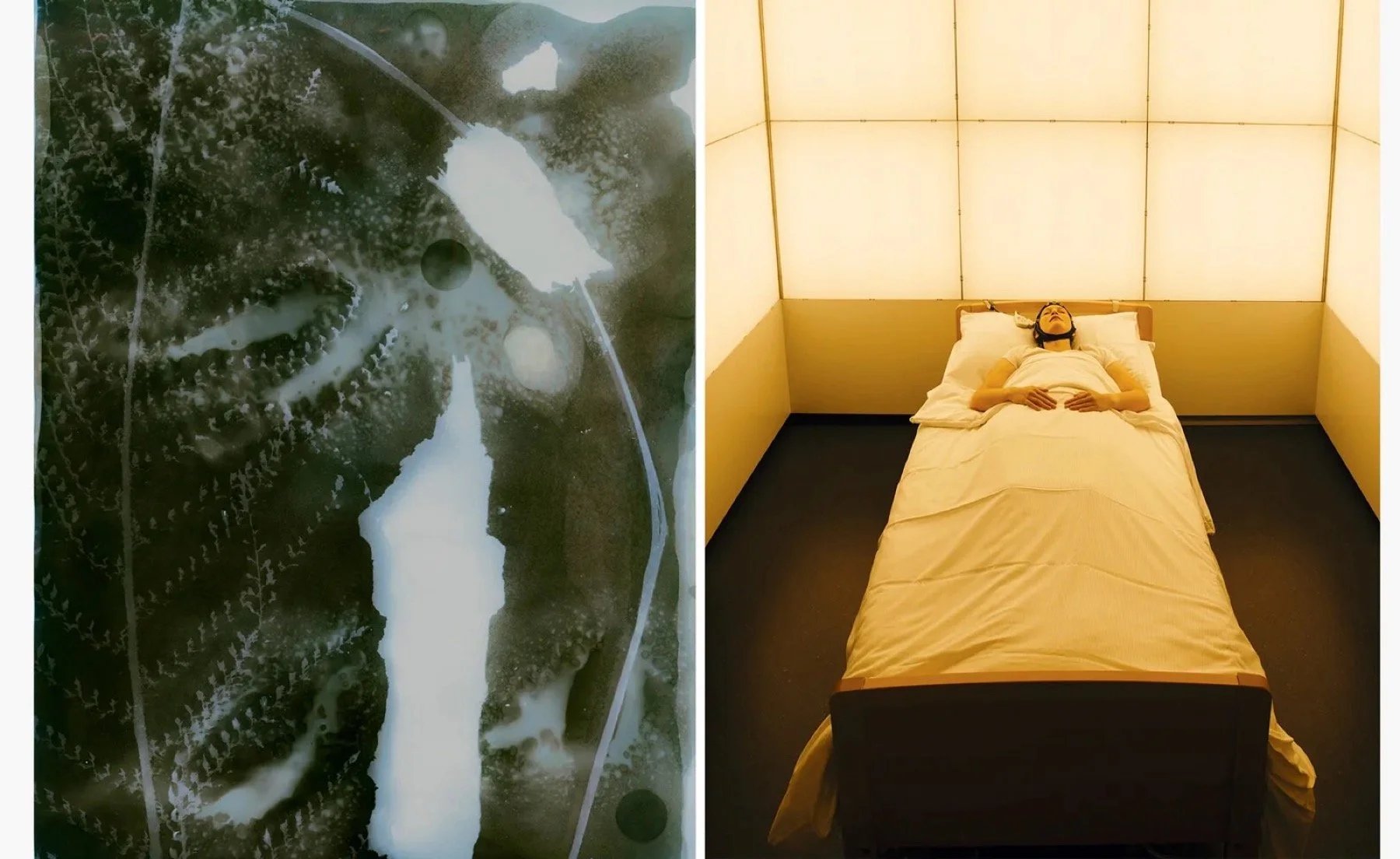
The contemporary photographers making collaboration an art form
Credit: works from Protege Noctem, co-authored by Mattia Balsamini and Raffaele Panizza.

‘The Women Who Changed Photography’ Chronicles 50 Trailblazing Artists
Credit: Shirin Neshat, “Land of Dreams” (2019), film still. © Shirin Neshat.
The Art of Not Sharing
From Joan Westenberg.
the blog