

It’s expensive. I’d qualify the price as borderline indecent in fact (CAD it’s just...nuts). But I wrote about my rationale for this purchase a couple of weeks ago in the newsletter and the fact is, I’m in typing heaven right now. So this is an overview of my thoughts so far, a few days in.
...
First, some background: I’m not a MacBook user who’s been chomping at the bits to use the iPad as a laptop. I’m an iPad user, through and through. I watched Steve Jobs show off the first model in a recliner, I was in line at the store on launch day and I’m still here. I’m the guy who picks up his girlfriend’s MacBook Pro, tries to tap the screen and cringes, synapses freezing in the process. Of course I’m a longtime Mac user as well, but the iPad Pro (and iOS) is where I spend a good 85% of my computing time nowadays. I actually prefer this environment. I also write quite a bit—always on iPad, to the point where doing this on my Mac is like wading in quicksand. The reason I mention all of this is simply to make a few points perfectly clear at the onset: 1) I didn’t want a trackpad. Or a mouse. In fact I initially feared it would dilute what the device was all about; 2) I always felt the iPad’s potential lied in its unique nature—not in the past. I’ve also used external keyboards for awhile now, so this feature isn’t new to me. I’ve owned way too many to count—two Brydge, several Logitech models, the original Magic Keyboard (Mac version)...even a thing called The Typo which, I kid you not, eventually developed problems that lead to...typos. Quite the irony. And I’ve fully integrated keyboard commands, especially when it comes to navigating and editing a text document: using arrows and modifier keys is lighting fast for me and I never miss the vaunted precision of a mouse pointer.

From day one, the iPad Pro 2018 (which I’m still using today) had been sheathed in a Logitech Slim Folio Pro keyboard case. As a keyboard it wasn't bad, but it was never good: subpar backlighting that would aggressively turn itself off, no on/off indicator on the Caps Lock key, and various creeping bugs that were becoming seriously annoying over time. As a protective case, it was big, unwieldy and quite the ugly contraption. An ugly contraption from which my iPad never surfaced—too much of a hassle to take in and out.
So I wanted three things from the Magic Keyboard:
A good keyboard.
A good keyboard (no really).
A liberated iPad.
“ah, ah, ah, ah, ah, ah, I feel free”
Cue Jack Bruce.
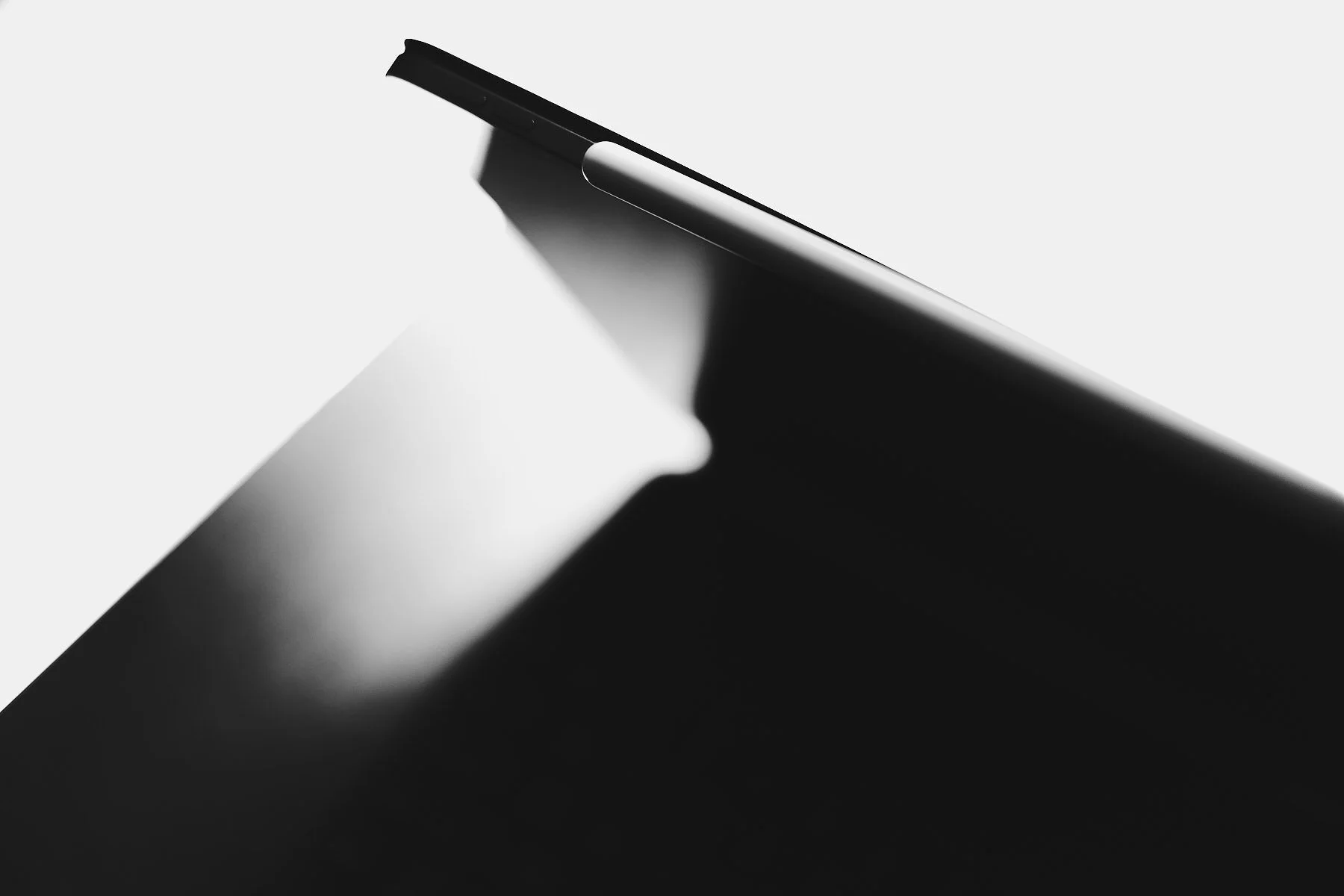
Our mobile devices need protection. But I’ve always thought it a shame to wrap a beautifully designed object in a case, however functional or pretty. I find myself picturing Dieter Rams having a righteous fit. With iPad the problem isn’t just cosmetic, a case can actually restrain its use: this is a piece of glass that transforms into whatever we want it to be, in whatever orientation. Even cases that offer various “modes” usually only do justice to a single one. On the Logitech I mentioned for instance, the “drawing” and “reading” modes were laughably awful.
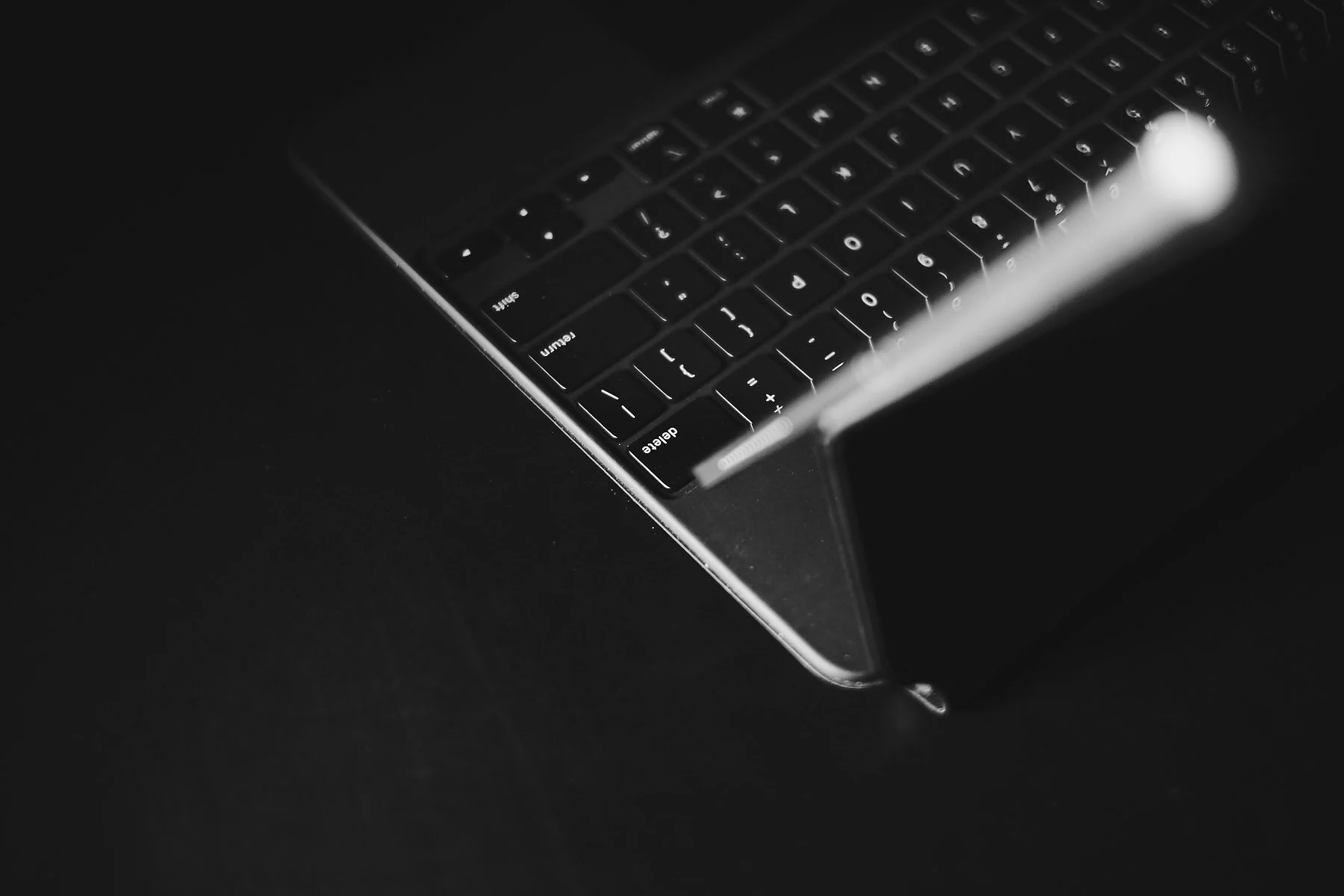
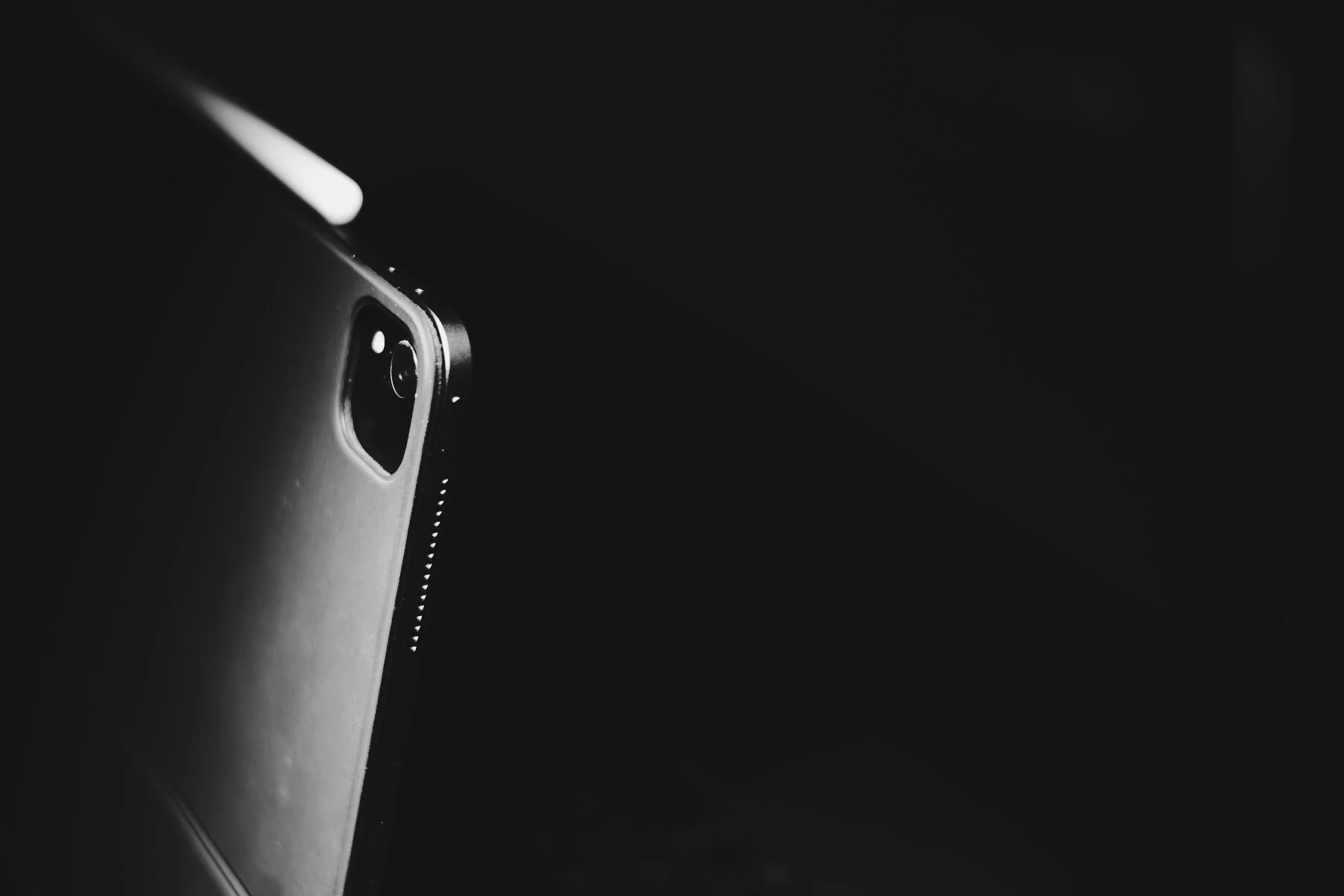
After seeing the Magic Keyboard it’s hard to understand how no one ever thought of using magnets this way. It’s one of those well, duh concepts that immediately makes too much sense NOT to have existed before. And it’s even more impressive in practice: the connection is massively solid (1) and yet, the iPad Pro remains super easy to detach when the time comes. We’re talking two-handed easy mind you, but still easy.
So finally, when I want to, I can use my iPad as it was intended: free as a bird, unhindered and pristine. I can read in portrait mode again— without feeling like I’m holding a toaster oven sideways.

The Black Keys and the Mind Shift
Which brings me to the keyboard itself. On this I’ll be brief because it’s pretty simple: this is by far the best keyboard I’ve ever, ever owned (2). The backlighting (which uses an ambient light sensor) has been perfect in every situation so far, always adjusting to exactly the right amount and lighting the keys, again, both perfectly AND beautifully (the Logitech was a light leaking joke by comparison; my older Brydge as well for that matter). The feel of the keys is equally glorious and I even enjoy the sound they make, clicky but muted. I did need to personally adjust to the keys being set further back than what I was used to (because of the space needed for the trackpad), but an hour into it my muscle memory had rewired itself accordingly.
And then there’s that trackpad. A lot has been written about the transformative nature of this new product and its impact on the iPad UX as a whole, mainly due to having this additional input method available. And although I’ve yet to settle on exactly how I’ll be integrating it, I already find it interesting on several levels.
The last time I used a trackpad full-time I was the proud owner of a 12 inch PowerBook G4—loved that little dude. But we’re talking a couple of years...erm...decades? Basically, I’m a virgin all over again. And because I have absolutely no ingrained trackpad reflexes, clicking immediately felt foreign to me. Weird right? But then, you don’t click on an iPad, you touch. The pointer is logical, a virtual finger moving across the glass surface, but clicking seemed wrong. Loud and wrong. So when I visited the settings, the first thing I did was turn on Tap to Click. Which is funny because I HATED this on laptops. But as soon as I enabled it, things started to make sense. Something in there about coherence (3).
Here’s how I see this: as much as some want the iPad to become a MacBook, it hasn’t—and I hope it never does. There are aspects of what we knew before that may be compatible/familiar, but at its core this remains a different paradigm. If anything, the Magic Keyboard has made this even clearer. Which is ironic given the product’s obvious goal to bridge that gap to a certain extent.
So far, the trackpad’s strength on iPad (for my way of working) lies in using navigation gestures without moving my hands away from the keyboard. Three finger swipe to bounce between apps is crazy fast and intuitive (much quicker even than command-tab); same goes for invoking the app switcher or returning to the home screen. Not surprisingly, all gestures that first saw the light of day on a touch screen.
On the other hand, a lot of interactions are still much more easily accomplished by using my finger instead of moving the pointer around with the trackpad: I can touch an on-screen target immediately, without having to rely on an animation to confirm the upcoming action, or risk of overshooting. This direct connection to objects is central to the device and remains just as effective as it was before.
It’s this hierarchy of input actions that I find so novel and interesting, and it’s also where I believe the transformation occurs: the Magic Keyboard expands the motion language of iPad. The physical dance has become even more fluid and versatile.
Bonus Round
A few more important points/impressions:
Weight: every review highlights how heavy this makes the iPad. I haven't done side by side comparisons but the kit feels lighter to me than that Logitech I was using before. Maybe it’s the weight distribution, I don’t know. And it certainly doesn’t seem heavier than any Brydge keyboards I’d used previously. In my world this is an upgrade.
Hinge stiffness: again, from the reviews I was half-expecting to get a workout from the device. I’d read about needing to pull hard with both hands and how difficult it was to open...I’m not experiencing this at all, at least not with mine. It IS stiff but I don’t find it abnormal—and I don’t believe it’s due to my Superman strength either (4). Could these be production issues on the very first units? All I can say is I have zero problems with this.
The look: meh. As most have deplored, the material of the case is the same one used on the Smart Keyboard—which also happens to be similar to the Logitech I was using and tons of others I’ve owned, going back to the very first Apple case for the original iPad. At this price, it’s disappointing—no question. This is not an X100 camera you just WANT to pick up out of lust: on a desk it looks awfully boring (when it’s closed anyway). And the rubbery plastic likely won’t age very well either.
Maximum viewing angle: a teensy tweeny bit further back would indeed have been nice, especially for desktop use. That said, it doesn’t bother me that much.
Lap and stability: no+problemo. Better than any traditional iPad keyboard case I’ve used.
Lack of function keys: I thought it would bug me but so far I’m happily surprised it doesn't. Not sure why.
Less typos: anecdotal perhaps but I’m experiencing a lot less typos on this keyboard. The design is probably part of it but I do wonder if this isn’t due to the smart connector as well. I’d always used Bluetooth...random millisecond lag times may count after all.
First class citizen: speaking of smart connectors, discounting the Mac version of the Magic Keyboard (confusing much?), this is my first official APPLE iPad keyboard. Which means everything works and should continue to work. All other keyboards I’ve used eventually had problems due to iOS updates, usually with key mappings. Not their fault but in each case, firmware updates were never offered to fix them. They just remained broken. Their fault.
Last Words
One keyboard to rule them all? As if such a creature could exist. I’m a self-admitted keyboard junkie but I don’t need to tell you this was a leap of faith in our current circumstances; I was fully prepared to send the product back if it didn’t meet my expectations. But it does, and then some. Despite it’s unique design mechanism (which could’ve been all gimmick), this isn’t a product of form over function—in fact, it’s the function that shines.
I wrote this review on my iPad Pro 12.9-2018 edition, with the Magic Keyboard.
It was an absolute joy.
P.S All images were shot with the X-Pro3 and XF 35mm f/1.4 R.
P.P.S I still think the price is crazy. But at least we get more than a set of wheels.
––––––––––––––––––––––––––––––––
I routinely pick up the Magic Keyboard from the connected iPad—it’s that strong.
After writing this post, Apple released a new MacBook…with Magic Keyboard. Clearly, they’re happy with their work.
Room for improvement here. On its website Apple says: “Turn Tap to Click on or off: If you select this option, lightly tapping the trackpad with one finger has the same effect as pressing the trackpad until it clicks.” But this isn’t always the case. In Safari for example, holding down the control key and tapping on a word will not bring up the menu; it only highlights the word. Clicking brings up the menu as expected. But I believe these are growing pains because the behaviour depends on the app.
As if...!
