
Our dedication and passion for creating an exceptional journaling experience have made Day One the beloved app it is today. This new development simply means it’s time for us to push ourselves to deliver even more unique features and capabilities that set us apart from the competition.
That was the official response from Day One when rumours began swirling about a possible journaling app from Apple. We've since learned it'll be iPhone-only (an annoying trend), but also that third-party apps will share access to the new APIs the company will be using. So, will we still see those "unique features"? Stay tuned.
Day One was acquired by Automattic (the company behind Wordpress) in June 2021. I wasn't thrilled at the time, mainly because I'd gone through a pretty horrific experience with Wordpress.com and didn't trust where this would lead. Two years in and the sky hasn't fallen...but that's pretty much all I can say about it. Day One has more or less been in static mode, acting as if it has reached the apex of journaling, with nothing left to add, or refine. It is a fine app, but it's not bug free, and it could use additional polish in terms of writing features.
The harsh reality is that Automattic has been surfing, and Day One has turned into an app I use due to lack of choice, not enjoyment.
Note: since writing this post I was able to properly export all my journals using JSON and Bear. This is worth exploring so stay tuned Bear 2 no longer offers a JSON importer. The ball is in Automattic’s court at this point. UPDATE: Day One import is back in Bear 2!
In Anatomy of the Daily Note, I described moving my journaling into Obsidian while still keeping a copy of each entry in Day One, as a "security precaution". But that's completely backwards, because it turns out exporting Day One entries in a format that can be imported into another application is a disaster. So three weeks ago I stopped doing that, and I thought long and hard about the features I most needed to replicate if I was to move fully into Obsidian:
Surfacing. Day One isn't just about writing journal entries, it also highlights the past through an on this day feature, which I've always enjoyed. A big part of journaling's attraction is this ability to revisit and remember.
My Inspiration Journal: a place to curate images, and a way to compile them in a yearly PDF document.
Surfacing
On this day in 2018…more to come on getting this stuff out of Day One.
Above is an Obsidian workspace I call INSIGHTS (it uses split windows). The left panel shows a note that contains four Dataview instances, including—drum roll please—an On This Day block:
```dataview
TABLE dateformat(file.cday, "yyyy-MM-dd") as "Date "
FROM "2 WRITE" or "6 ARCHIVE/WRITE Archive"
WHERE file.cday.month = date(today).month
AND file.cday.day = date(today).day
AND file.cday != date(today)
AND file.path != this.file.path SORT file.cday desc
```
I can't take credit for that code—I found the solution after many, MANY searches, through Discord and various forums. But it works. I've tweaked the syntax so it only looks at writing notes (the paths listed after FROM), and the resulting output is exactly what I wanted: Dataview fetches today's date, looks inside those two folders (+subfolders), and lists all the files created on the same date, from any previous year.
Clicking any entry opens that note in the right panel, which makes it just as easy to browse the past as it is in Day One .
Inspiration
I've written several times about the Inspiration Journals, how I export each one to a PDF that I annotate at the end of the year. I even shared some of these as part of 1EYE SOCIETY benefits. I've always relied on Day One for this, adding content through the share sheet, and using the app's export function for the PDF. It works beautifully. In fact, I didn't believe I could use anything else as fluidly, or successfully.
Umm...
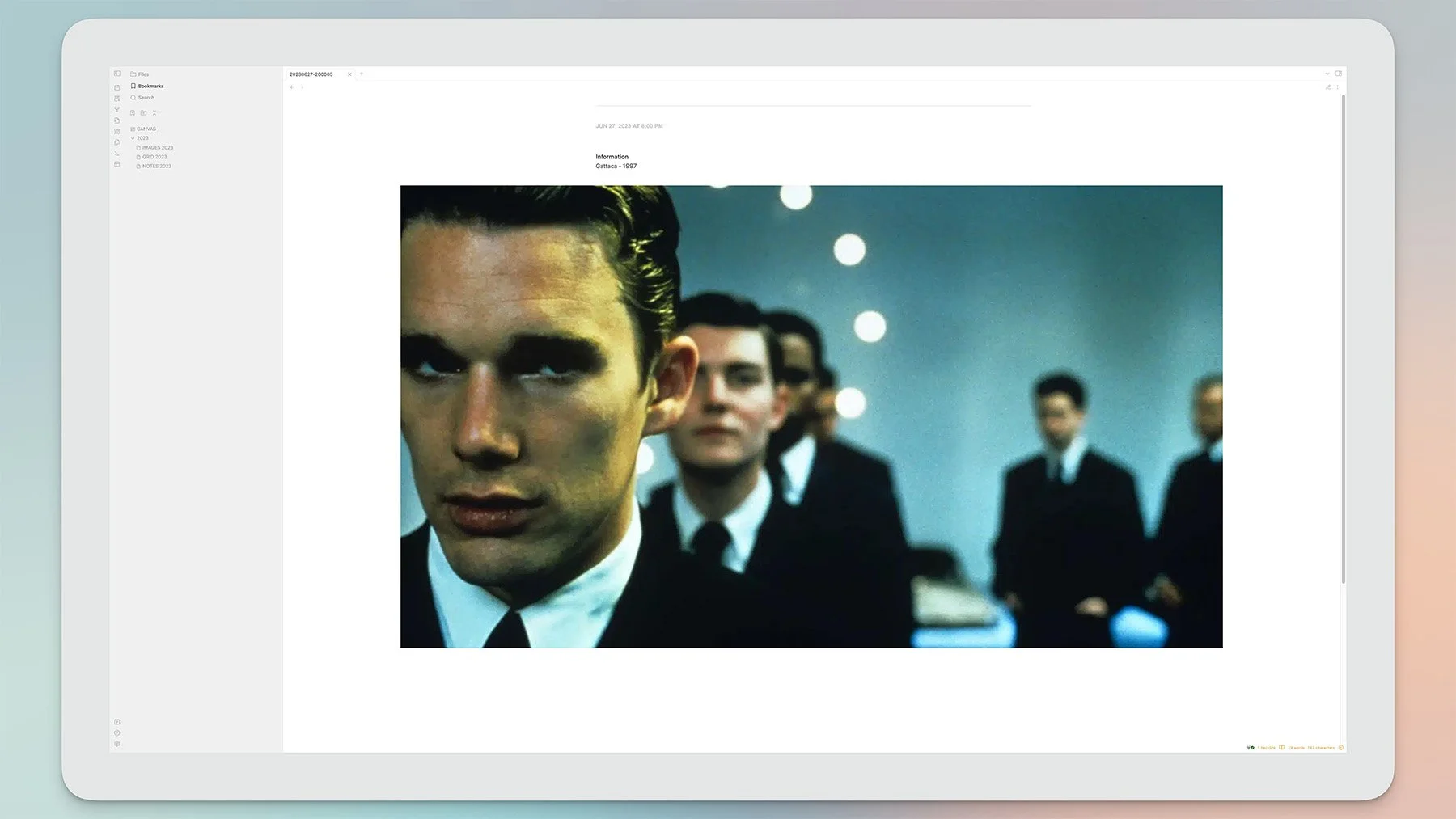
Film still from Gattaca.
That's from my new Inspiration Vault in Obsidian. I'm using a dedicated vault because none of this content needs to link to other notes, so there's no point in crowding the main vault with tons of images.
The shortcut. Click for a closer look…
I'm genuinely stunned by the results. I had to build a fairly extensive shortcut to get this going, but it works perfectly: I can share images from any source, and add quick notes formatted to my exact specifications. When I open the Inspiration Vault new images are there, ready to view—all filed, compressed, timestamped and renamed correctly.
I can browse images in a large gallery with lightbox functionality.
I can look at them in note form, with all entries listed chronologically.
Or I can use a canvas where the year's output is embedded, along with all the annotated PDFs from previous journals (which means I can look at everything from a single location, zoom in/out etc).
This solution doesn't merely replicate Day One: it greatly surpasses it. It's streamlined, infinitely customizable, and much more immersive:

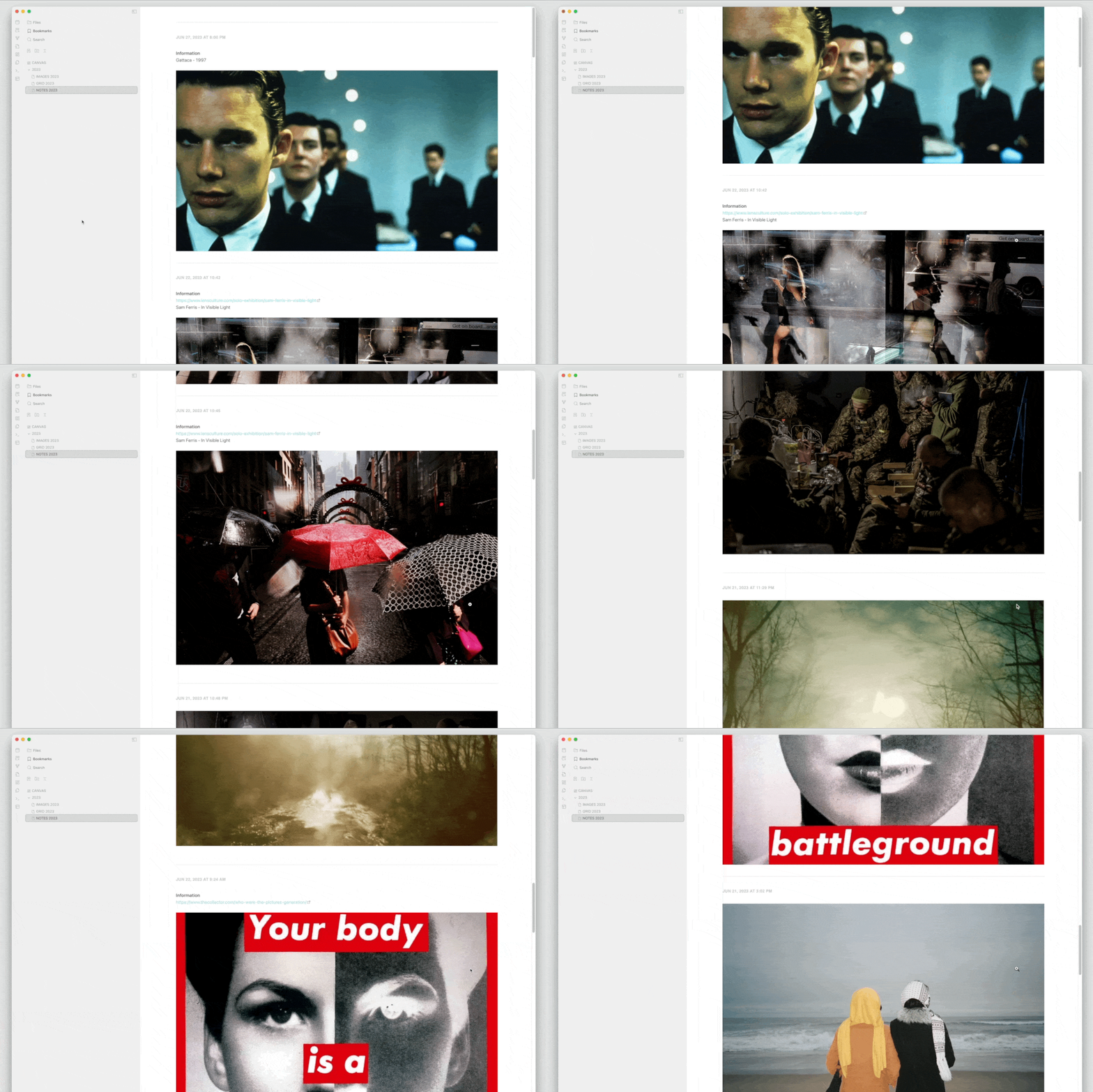
And here’s a look at the canvas in action:
I lost all metadata and timestamps when I migrated this year's entries from Day One (thanks Automattic!). But that won't be an issue anymore:
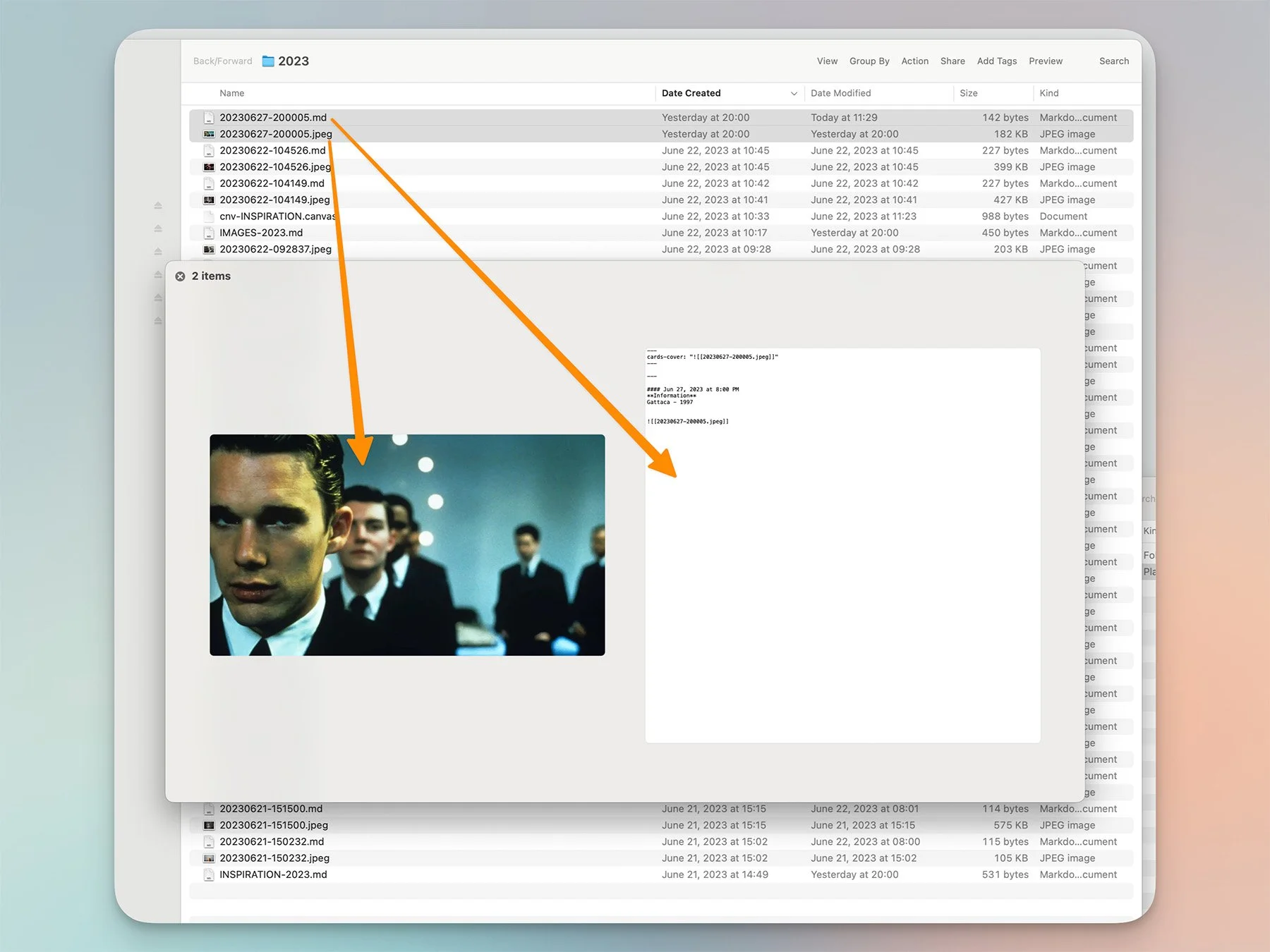
The view from the Finder
...
There are other features I've yet to emulate: audio recordings [1], automatic import of my blog posts (text, no image galleries), and Instagram (meh). I still have nine months left on my Day One subscription. Nine months to see what the company has in store, and to decide if the app's worth keeping or not.
But the impact of assembling ideas, journals, Readwise/Reader notes and highlights, along with every piece of text you write, in a single location— that's hard to dismiss. And the synergy is quite real. This morning I launched the Insights workspace: it showed last year's daily note, a newsletter issue written that same day, and a post from 2020. In my journal Jacob was fighting a late bout of COVID, and I was having misgivings about a client; in the newsletter a move to Lightroom had entered my consciousness; and in 2020 I'd driven to the Apple Store, stood in line with a mask on my face to get the item I'd ordered without going in. Full-on Pandemic.
There are connections here, clear as day—but they never would've surfaced together without the Obsidian setup. Day One remains a great app, with a very nice set of features and a beautiful UI. But between this and whatever Apple will unleash, I doubt renewal is in the cards.
We had a good run.
………………..
Obsidian has a core plugin for this, so that's an easy one.
