

An exported highlight from Readwise.
Most mornings, when I can, I more or less follow the same routine: I sit on the couch with a cup of coffee and my iPad, open a daily note in Craft, set it to my Daily template, and write “morning thoughts”. These are usually brief, but they sometimes branch out into longer reflections that may end up here, or in the newsletter. Maybe nowhere at all, but that’s fine. There’s also an automatic writing block in this template where I jot down whatever image springs to mind. Things like "leaves silver with dew. the gulls flew past me.”; or “heroines of the serpentine”. Freeform mind wanderings.
The whole thing rarely lasts more than 5-10 minutes, but it starts a process. It’s a place for the day to begin unfolding, uninhibited and—hopefully—clear-eyed and somewhat inspired.
These past weeks I’ve added another step in the routine: reviewing highlights from books. Either from the ones I’m currently reading, or from works I’ve read in the past. I do this through a service called Readwise.
…
I’d been hearing about Readwise for a while, through various posts and discussions—namely on Craft’s Slack channel—and I was curious to check it out. Frankly, I didn’t think much of it initially. My Kindle Paperwhite notes and highlights were already automatically syncing to Goodreads, and I could easily batch export them from the Kindle app. The process wasn’t pretty, but it worked, after a few digital contortions (1). Readwise syncs much more easily with Kindle, but also with a variety of other non-book services: Pocket, Instapaper etc. Even good ‘ole paper books get in on the action.
What sets Readwise apart, however, is its focus on surfacing content. Just like note-taking, highlighting can easily turn into an abyss of accumulation that never leads anywhere. To be useful, content needs to be actionable. When we interact with it, when we stop to consider why we found it valuable, or even better when we add our thoughts to an initial idea: that’s when it becomes useful. Our input elevates our comprehension.
So Readwise isn’t just a repository: the concept revolves around a review of random highlights. The default is daily, but this can be set to every other day, or once per week (or never, but that defeats much of the point). When it triggers you receive an email digest to read through, where you decide on a series of actions for each highlight: keep, favourite, tag, annotate, edit, or discard (2). This simple act of not only reading those highlights again, but deciding what to do with them, really changes the relationship to the content.
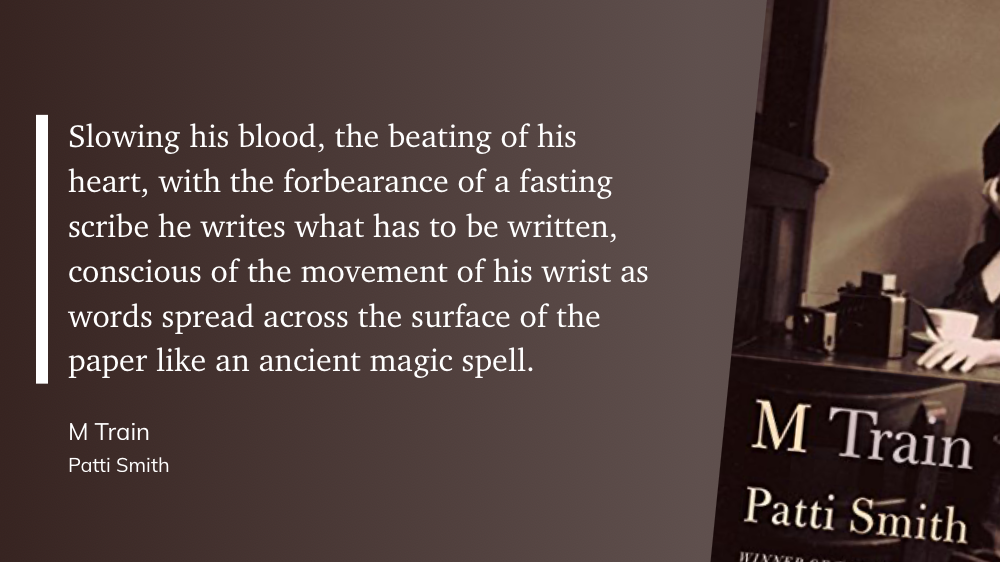

The first couple of days, I was dismissive: cute idea, but meh. Another subscription? Not worth it. But then it grew on me. I was rediscovering words and ideas lost in time. Things that had clearly made an impression, never to be seen again.
And then one morning I found two passages from Gaston Bachelard’s Poetics of Space in my digest, and it sparked. I made a link between them and started a new THINK doc in Craft. I wrote something down. I also imagined a potential project from one of the quotes, just an excerpt actually, but enough to become a trigger—the kind that shines in our veins. Electric.
So it turns out the value’s there for me—enough to keep going and explore further. I’m already using their action syntax to tag, flag, or process certain highlights as I read. It’s interesting.
…
Readwise isn’t perfect: it relies a bit much on web tech to do its thing. For instance, automatic import is possible but only on the desktop, and through Chrome or Firefox extensions. This means I need to manually hit a sync button in the iOS app or website for my Kindle highlights to update. It does, however, sync very nicely with several PKM apps—including Notion, which I’ve recently been integrating alongside Craft (more on this soon).
More importantly though, while Apple Books is heavily mentioned throughout their website, this is a bit misleading: it doesn’t actually work. Not reliably, anyway (UPDATE: I got in touch with them since I wrote this, and they’ve now updated their FAQ). For one thing, the import methods are convoluted, at best. But this all stems from a one, major issue: Apple Books does not always allow exporting highlights. Sometimes it’s only personal notes but without their context, which is ridiculous. At other times, the share option will just be dimmed and nothing gets out. In the end, I was able to export highlights from just one, single book, out of my entire library (No Longer Human, by Osamu Dazai). I thought I was doing something wrong, but nope—that’s the way it is, period. Highlighted passages in most Apple Books are locked-in. In fact, you can’t even copy text to paste it elsewhere.
I would point to DRM and publishers for this limitation, but the same books on Kindle export just fine (there’s a percentage limit, which is understandable but also quite generous). So unless things change, I’d recommend against Readwise if this is your platform of choice and main source of content—it just won’t be as useful. Shame on Apple for this.
The company is also developing its own read-later app, which, I think, might eventually be part of their premium tier? But I really don’t know. If this is added to the mix, the service’s value proposition will increase significantly (I love it but it is, admittedly, very “specialized” right now).
There’s quite a bit more to explore and the service seems to be evolving at a steady pace. The company offers a full-featured 30-day trial, which I highly suggest. And if you’re eventually interested in subscribing, I have a referral link for you: this adds a free month to both parties.
Win/win ;)
................
Kindle exports an html file. Markdown or at least RTF would be nice.
These move to a Discards list. They’re not actually deleted, but simply removed from the review process. There’s also a Master option, which I haven’t explored yet: this is meant mainly for study notes.
